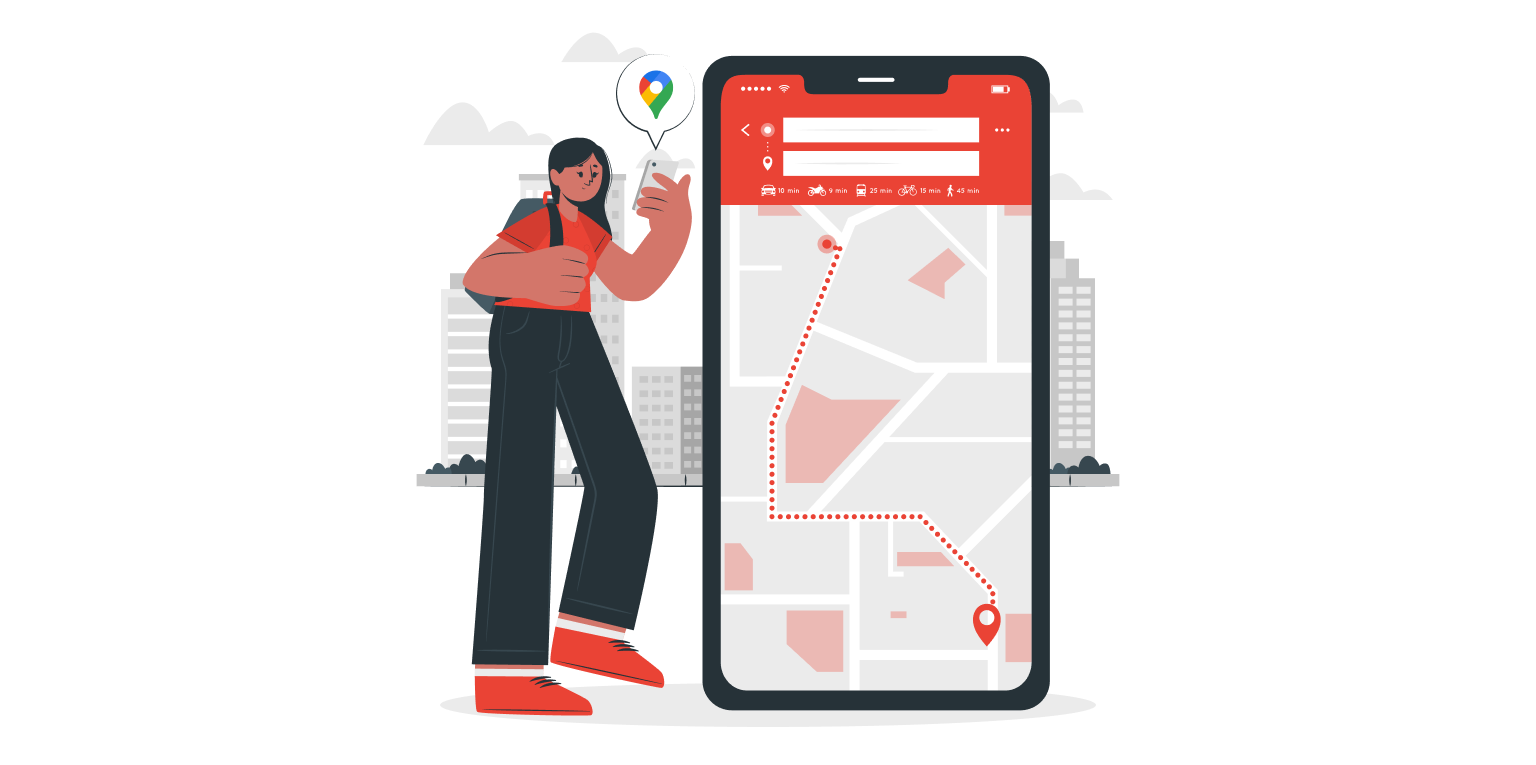
Google Maps: Getting More Immersive, Sustainable, and Helpful Than Ever
Google Maps has woven itself into the fabric of our daily lives. Whether it’s navigating the labyrinthine streets of a new city or plotting the most efficient route for our daily commute, Google Maps has become an indispensable tool. But Google isn’t content with simply getting us from point A to point B. Latest updates of google maps paint a picture of a more immersive, sustainable, and helpful future for Google Maps, powered by the ever-evolving potential of Artificial Intelligence (AI).
What Are The Latest Updates Of Google Maps?
A Sneak Peek into the Journey: Immersive View
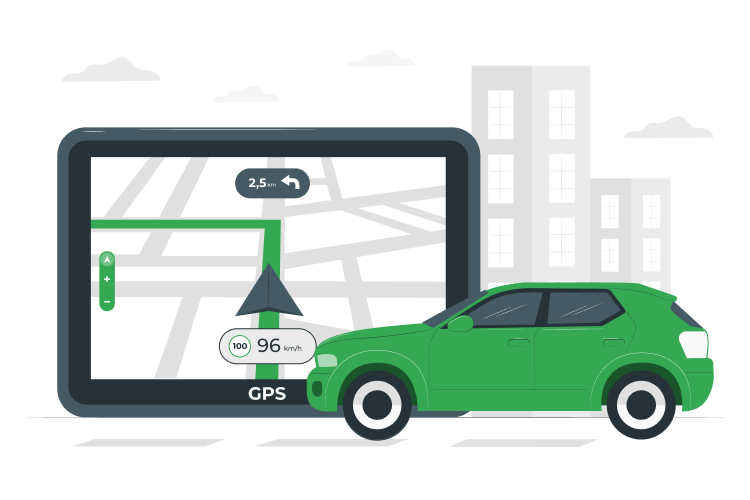
Imagine you’re planning a road trip along the California coast. Before you even set foot in your car, you can virtually experience the entire route. This fantastical scenario is becoming a reality with Immersive View, a groundbreaking new feature that lets you explore your route in a whole new way. Leveraging a powerful combination of high-resolution imagery and AI, Immersive View creates a realistic, 360-degree experience. You can virtually navigate upcoming turns, identify landmarks along the way, and even get a sense of the traffic conditions – all from the comfort of your couch. This can be a game-changer, especially for navigating unfamiliar areas. Not only can it reduce pre-trip jitters, but it also allows you to strategically plan for potential bottlenecks and rest stops, ensuring a smoother and more enjoyable journey.
AI Takes to the Streets: Live View Gets Smarter

Live View, the feature that overlays helpful information onto your real-world view through your phone’s camera, is expanding its reach significantly. Previously available in a select few cities, Live View is being rolled out to encompass over 50 new locations globally. This AI-powered tool utilizes augmented reality (AR) to identify nearby restaurants, shops, ATMs, and public transit stations in real time. Point your phone’s camera in the desired direction. Live View will highlight relevant details, helping you effortlessly find what you need without getting lost in a maze of unfamiliar streets. Imagine you’re exploring a bustling foreign city and have a sudden craving for pizza. With Live View, you can raise your phone, and within seconds, nearby pizzerias will be highlighted, complete with their ratings and reviews.
Going Green with Google Maps

Sustainability is a growing concern for many, and Google Maps is taking concrete steps to make eco-friendly travel easier. New electric vehicle (EV) charging features are designed to streamline the process of planning long-distance journeys with your EV. Planning a road trip from Seattle to San Francisco with your electric car? Google Maps will now factor in charging stops along your route, suggesting stations with the fastest chargers available. Additionally, you can easily see which locations have charging stations directly on the map itself, eliminating the need for extensive searches and guesswork. This not only makes EV travel more convenient but also encourages more people to consider eco-friendly options for their journeys.
Helping You Every Step of the Way: Glanceable Directions

We’ve all been there – struggling to follow navigation instructions on our phones while navigating a busy intersection. Google Maps is introducing a new feature called Glanceable Directions to make on-the-road navigation smoother and, more importantly, safer. This innovative feature displays simplified turn-by-turn instructions directly on your phone’s lock screen or a compatible heads-up display (HUD) in your car. No more fumbling with your phone or swiping through endless screens – Glanceable Directions keeps your eyes on the road while providing the essential information you need to get to your destination safely. This is a significant step forward in promoting driver safety and reducing the distractions associated with traditional phone-based navigation.
Beyond Navigation: A Multi-faceted Tool
These groundbreaking new features are just the tip of the iceberg for Google Maps. Google is constantly pushing the boundaries of innovation, finding new ways to make our interactions with the world around us more seamless and informative. Here are some additional features that solidify Google Maps’ position as a powerful and versatile tool:
• Multi-stop Routes
Planning a day trip packed with errands or sightseeing destinations? Google Maps allows you to add multiple stops to your route, ensuring you can optimize your journey and maximize your time.
• Offline Maps

Don’t let a lack of internet connectivity hold you back. With Google Maps, you can save maps for offline use so that you can navigate unfamiliar areas even without a data signal. This is especially helpful in remote locations or areas with unreliable internet access.
• Real-time Traffic Updates

Traffic jams can throw a wrench into even the most meticulously planned journeys. Google Maps uses real-time traffic data to suggest alternative routes and help you avoid congestion, ensuring you get to your destination faster and with less stress.
• Public Transit Directions

Don’t have a car? No problem! Google Maps provides comprehensive public transit directions, including timetables, fares, and walking directions to and from stations.
The Future of Google Maps

As technology evolves, so too will Google Maps. We can expect even more immersive experiences, with features like real-time weather conditions overlaid on the map. AI will continue to play a major role, personalizing search results and suggesting points of interest based on your preferences. Google Maps may even become a platform for booking reservations, purchasing tickets, and interacting with businesses directly – all within the app.
With its commitment to innovation and user experience, Google Maps is poised to remain the go-to navigation tool for years to come. So, next time you need to find your way around, open up Google Maps and explore the exciting new features that can make your journey smoother, greener, and more informative. Explore Sigosoft’s website for a plethora of more insightful blog posts!